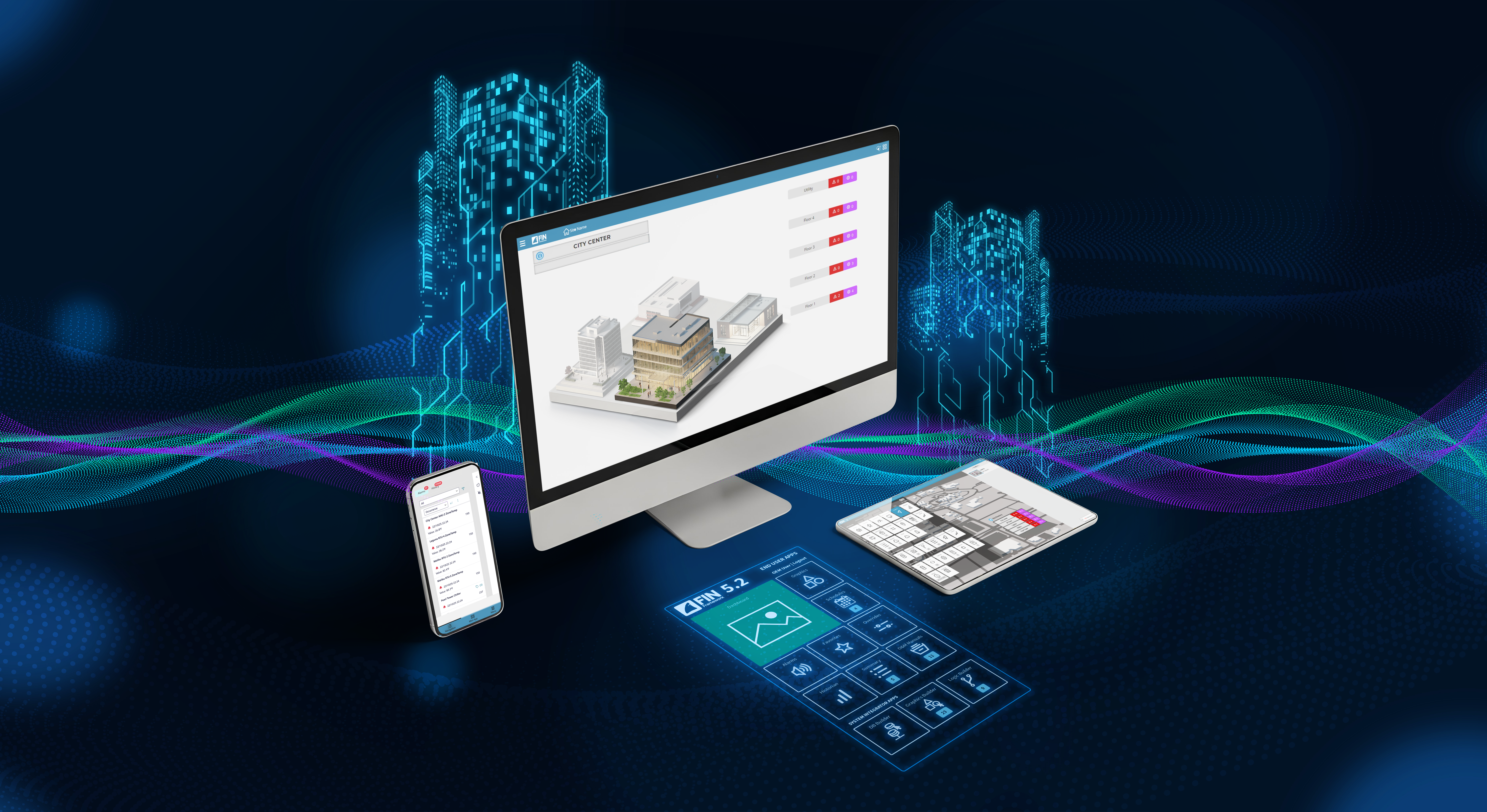
We recently released FIN 5.2, introducing three major updates to the key applications. In this blog, we'll explore how this update delivers something meaningful for every person who touches a building, from the specifying engineer drawing up the design to the business owner reviewing the portfolio dashboard. This release is a statement about how building automation should feel: fast, intelligent, and intuitive at every level.
Here's what's new in FIN 5.2 and why it matters, no matter where you sit in the smart building ecosystem.
Data is only useful when you can understand it. The redesigned Historian App offers a clean, modern interface that makes trend analysis easier to understand — whether you're an engineer deep in diagnostics or a building owner preparing an investor report.
The new Historian features customizable charts, support for Boolean and numeric data types in a single view without toggling between screens. There are now two dedicated applications: the Historian Viewer, designed to simplify access and display historical data, and the Historian Builder, which is used to create saved charts and customisations.
Historian 2.0 offers unique features for each role in a smart building. For facilities managers, that means clear, at-a-glance access to energy trends and equipment performance. For business owners, it means the data you need to document sustainability improvements and make decisions is easier to find and present. For systems integrators, the Historian Builder is a faster, more flexible way to configure project-specific views and hand off a polished experience that keeps clients satisfied long after commissioning. OEMs can embed a genuinely impressive analytics experience within their FIN-based product. And for specifying engineers, the dual-tool structure means you can define distinct user experiences for operators and engineers right in your documentation.
Alarm fatigue is a real problem in building automation. A flood of undifferentiated notifications just trains people to ignore alerts. The redesigned Alarm App takes a fundamentally smarter approach with a refactored backend and frontend built for speed, relevance, and action.
New capabilities include advanced diagnostics and filtering, customizable alarm routing and email templates, coalescing notifications to reduce redundant alerts, and a mobile-friendly UI with full history tracking.
For facilities managers, this means a shift from reactive troubleshooting to proactive care — seeing only what matters when it matters. For business owners, intelligent fault detection catches issues before they become tenant complaints or emergency callouts, protecting both relationships and margins. Systems integrators benefit from customizable routing logic and email templates that can be configured precisely for each client, reducing the time spent building workarounds and improving long-term system reliability. OEMs can deliver a professional-grade alarming experience under their own brand, with coalescing and routing behavior that aligns with their product's support model. Specifying engineers can now build fault detection and alarm prioritization directly into control sequence specifications, knowing the platform will handle routing and escalation reliably.
Scheduling should not be complicated. The new Scheduler App brings a fragmented, multi-step process into a single unified calendar interface that anyone can navigate on day one — a month-by-month overview, multi-calendar support, and quick event creation, all from one screen.
For facilities managers, this is the scheduling tool that actually matches how you work: HVAC schedules, lighting overrides, and special events visible together, with no hunting through menus to make a simple change. For business owners, accessible scheduling means your operations team can maintain optimized run schedules without relying on your SI for every adjustment — reducing overhead while protecting tenant comfort and energy spend. Systems integrators will find that multi-calendar support and a streamlined interface mean faster commissioning and simpler client handoffs, with less time spent on training calls. OEMs gain a clean, modern scheduling experience that adds real perceived value for end customers and reflects the kind of UX quality that differentiates a product in a crowded market. For specifying engineers, an intuitive scheduling interface simplifies O&M documentation and reduces post-handover support burden — operators can actually use it without a training manual.
FIN 5.2 raises the bar across every dimension of the platform — from the tools your operators use daily to the protocols your engineers depend on, to the hardware your deployments run on. The new Historian, Alarm, and Scheduler apps bring advanced user experience, enhanced protocol support and NEXIO integration to extend FIN's reach into emerging IoT and AI-ready architectures. Ready to see it in action? Request a demo!


Topics from this blog: Alarms Smart Buildings FIN Framework Technology Dashboard Building Automation System BAS FIN
Back to all posts